The console in pictures.
The pages you will use most.
The operator console at /admin is where you run the studio: settings, keys, prices, plans, customers and the health of the server. These are the pages you will use most, as they look on a test server with two example episodes.
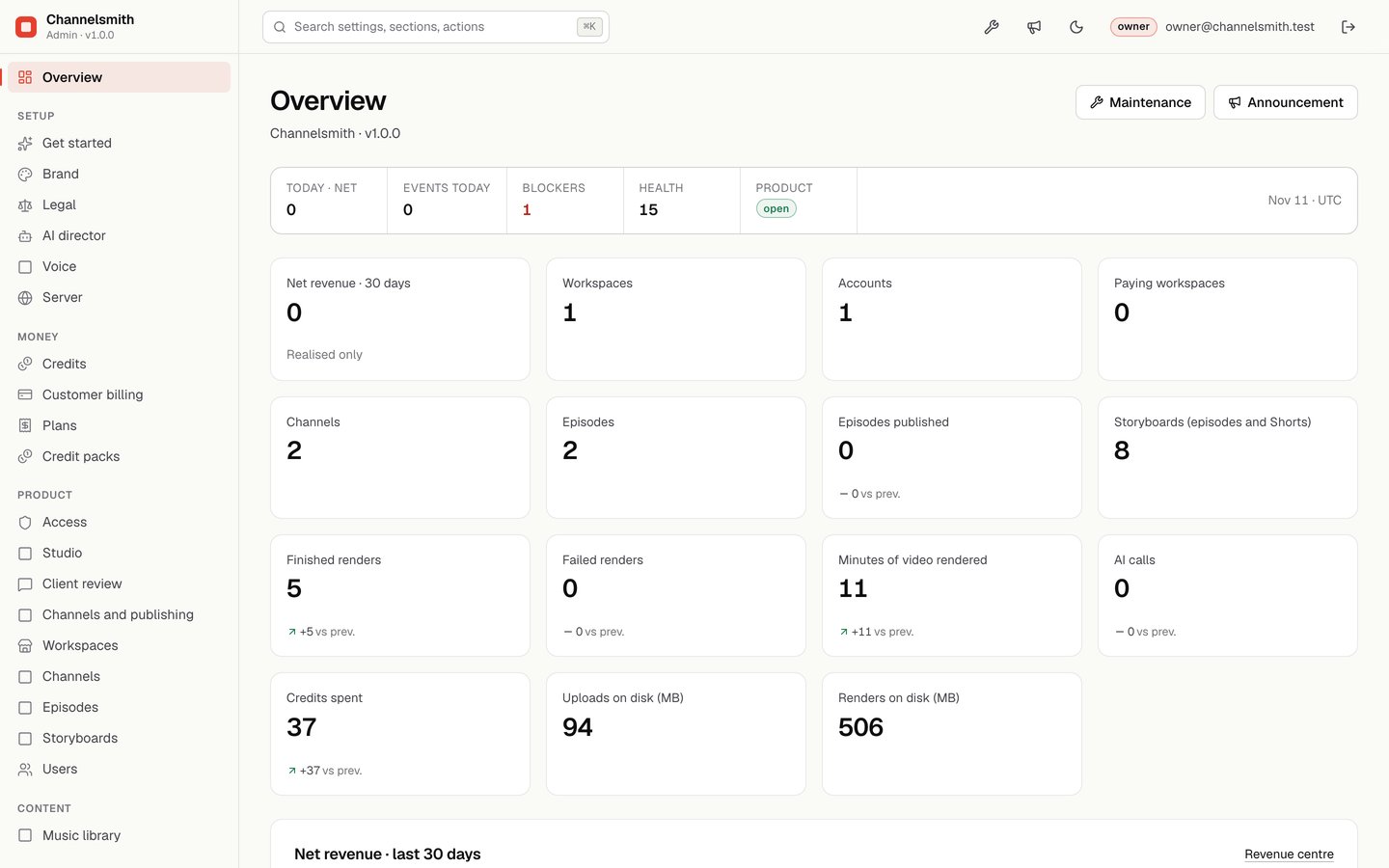
01Overview
The home page. The strip at the top shows today's net revenue, events, open blockers and health checks; the cards below count workspaces, accounts, channels, episodes, renders, credits spent and disk use. The menu on the left groups the pages: Setup, Money, Product and Content. The search box at the top finds any setting or page.
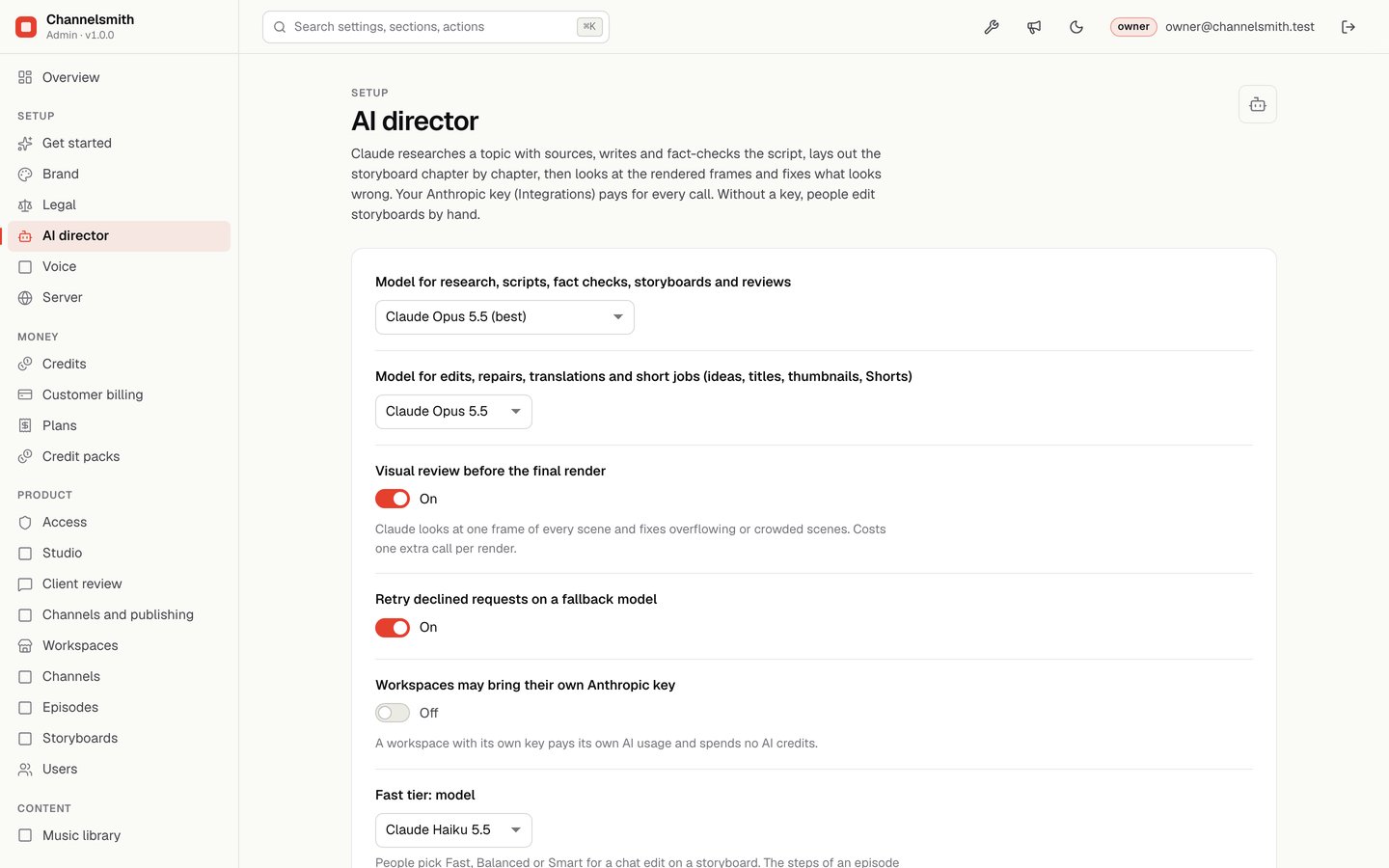
02AI director
Which Claude model writes research, scripts, fact checks and storyboards, which one does the short jobs, whether the frames get a visual review before the final render, and whether workspaces may bring their own Anthropic key.
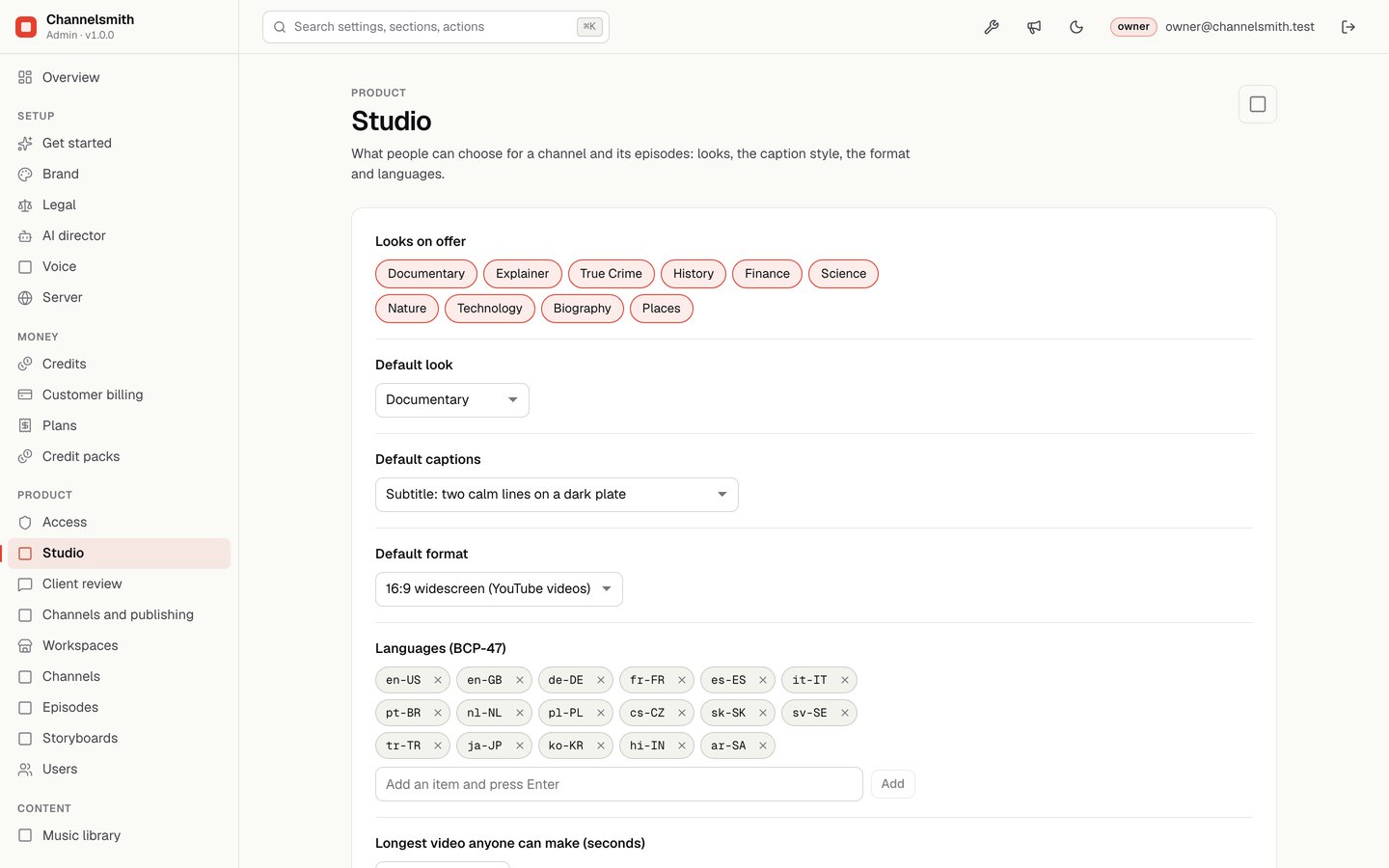
03Studio
What people can choose for a channel and its episodes: the style packs on offer, the default look, caption style and format, the languages, and the longest video anyone can make.
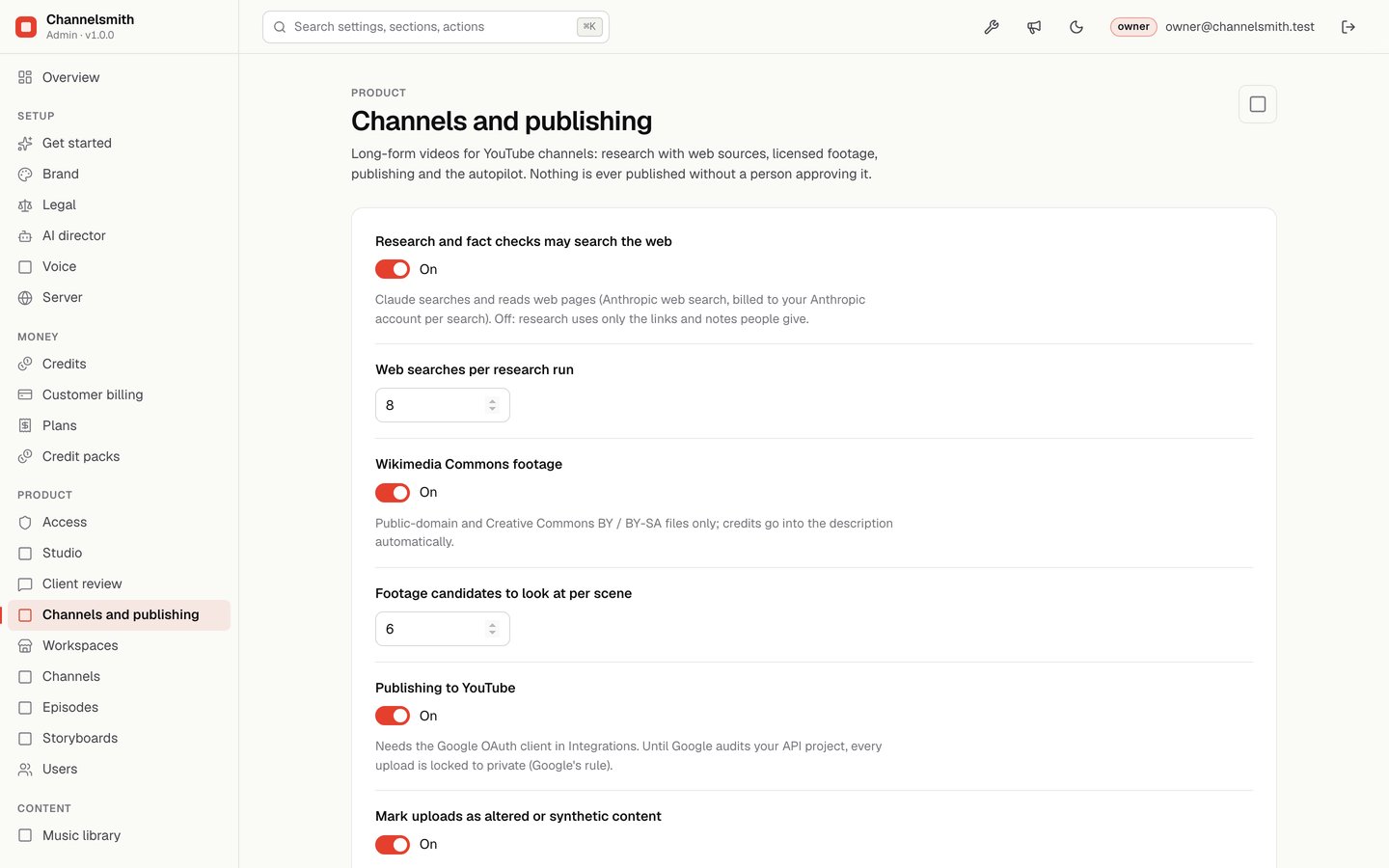
04Channels and publishing
Whether research and fact checks may search the web, the Wikimedia Commons footage source and how many candidates to look at per scene, publishing to YouTube and its AI disclosure, the autopilot, and how many Shorts are suggested per video.
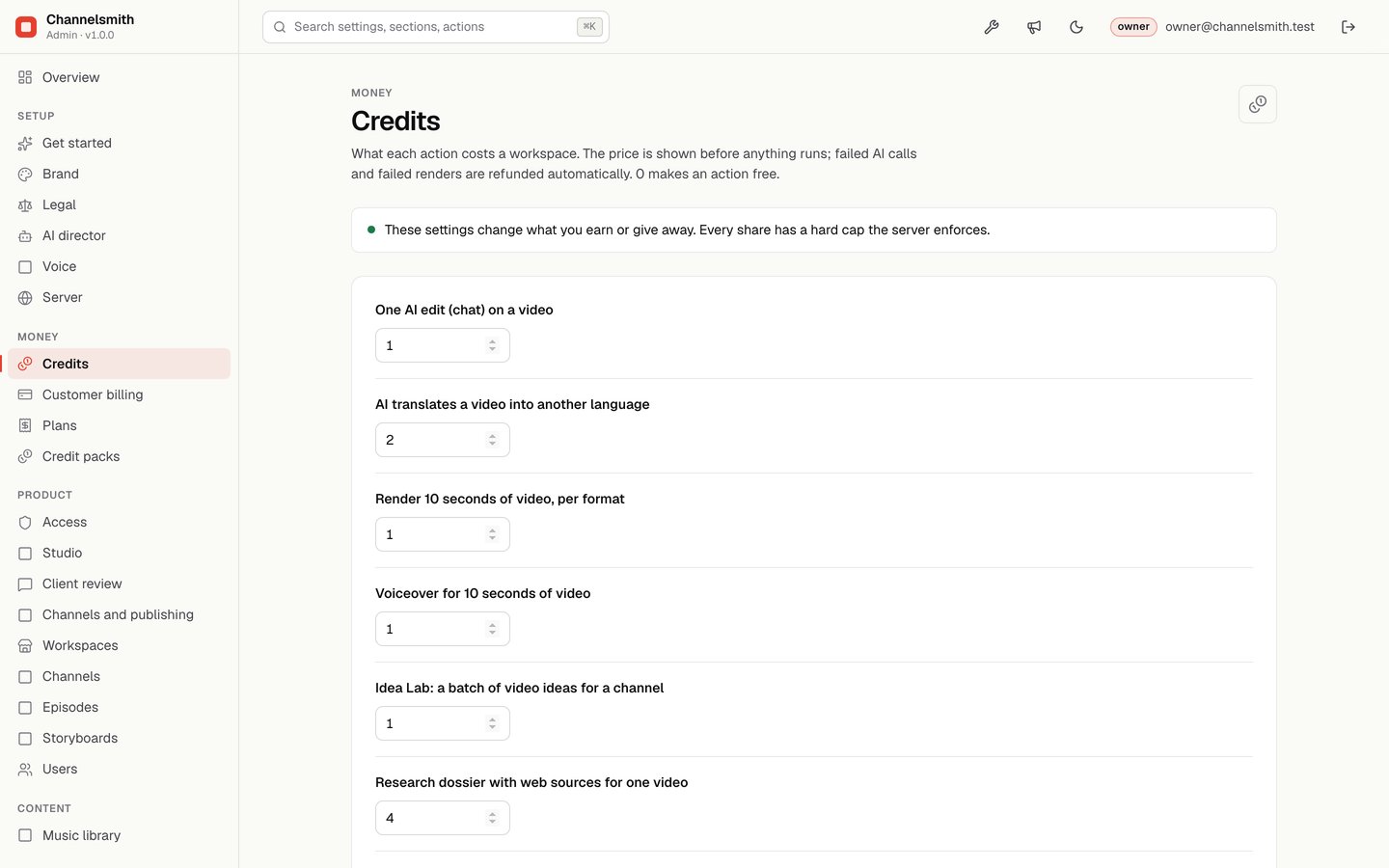
05Credits
The price of every step in credits. The price is shown to people before anything runs; failed AI calls and failed renders are refunded automatically. 0 makes a step free. See Plans and credits.
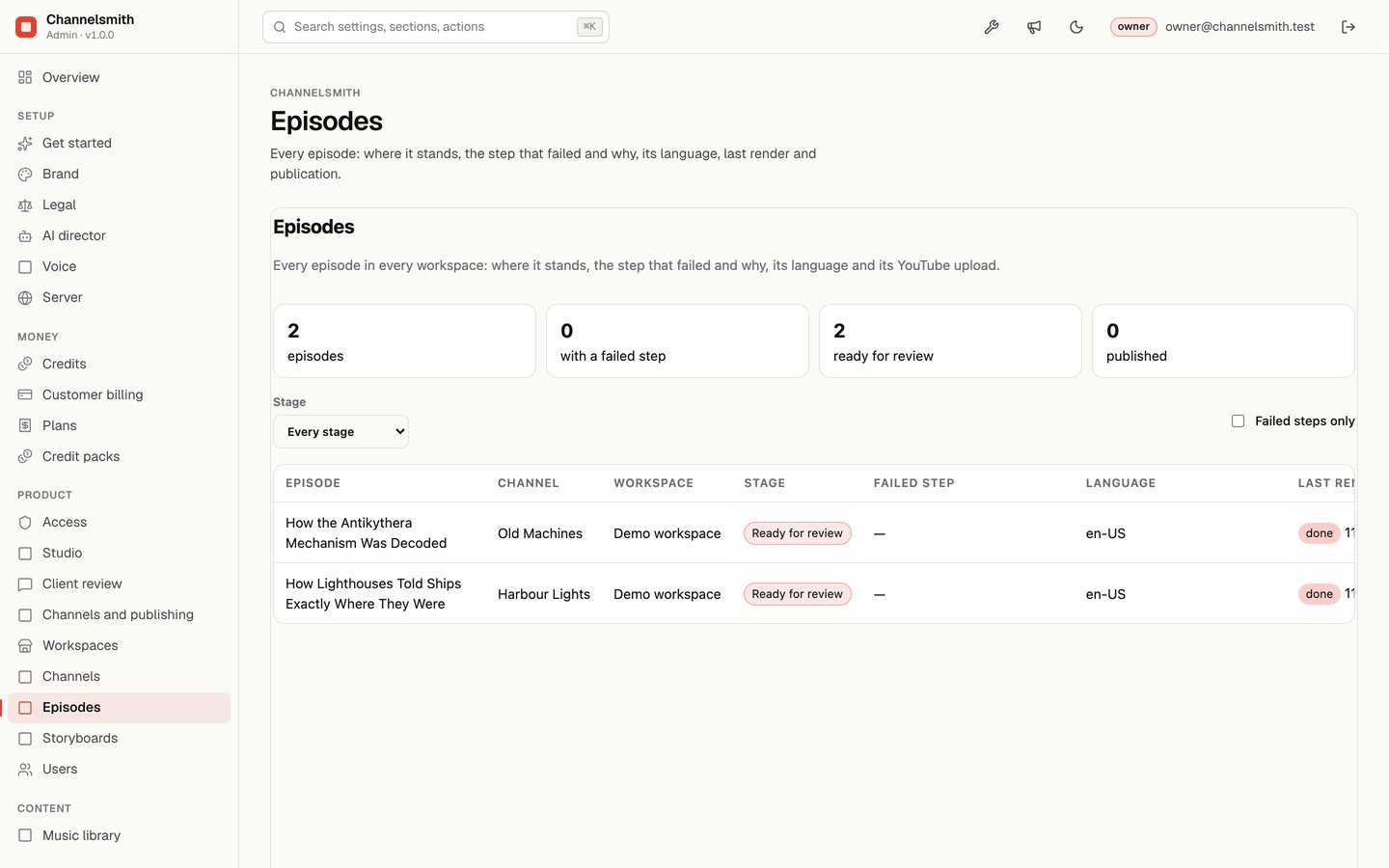
06Episodes
Every episode of every workspace: its stage, the step that failed and why, its language, the last render and the YouTube upload. "Failed steps only" narrows the list to the ones that need help.
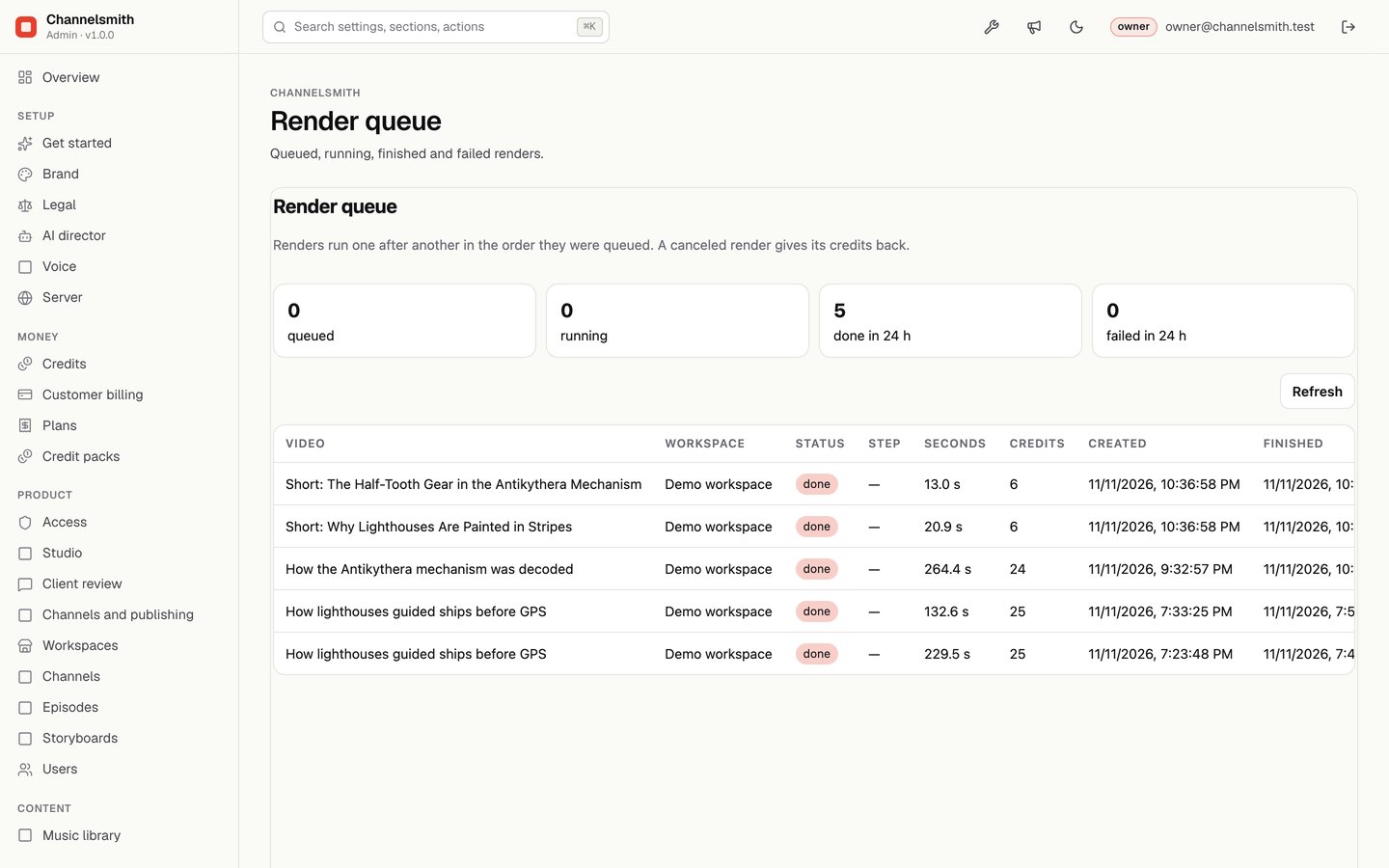
07Render queue
Queued, running, finished and failed renders with their workspace, length and credits. Renders run in the order they were queued; a canceled render gives its credits back.
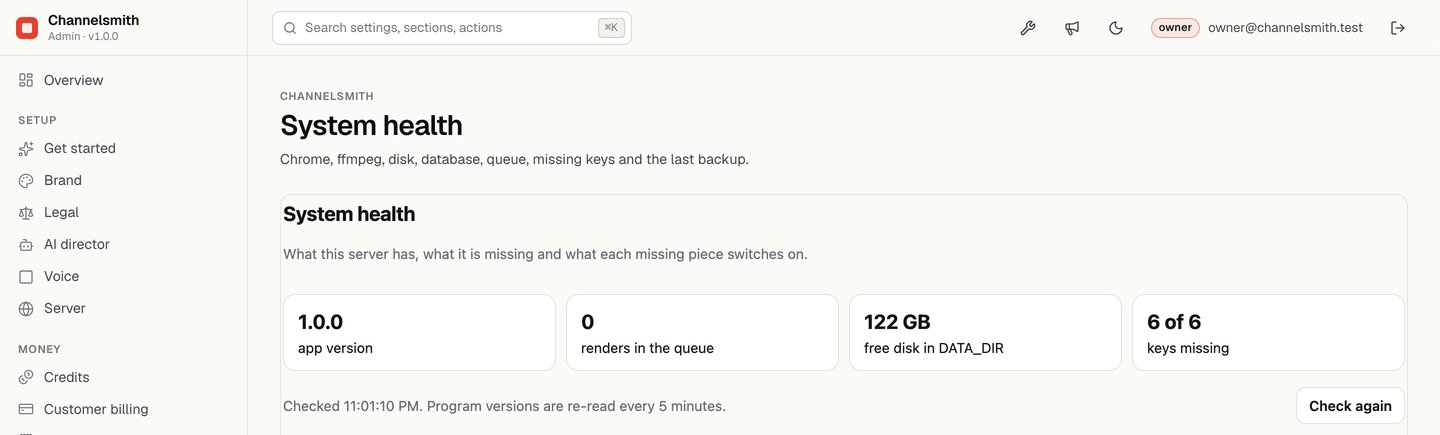
08System health
What the server has and what it is missing: the app version, renders in the queue, free disk in DATA_DIR, missing keys and what each one switches on, Chrome and ffmpeg, the local voice add-on, the databases and the last backup. Open it first when something does not work.